grabbit Food Finder App POC
A Visual Feed for Food Discovery
grabbit was a concept developed during my time at Israel Tech Challenge. I led UX/UI from concept through execution — defining the product direction, designing and shaping how the core experience would work.
Role
User strategy, AI prompting (vibe-coding)
Team
None
Deliverables
POC prototype
Assumption
Killing the “I Don’t Care, You Pick” Loop
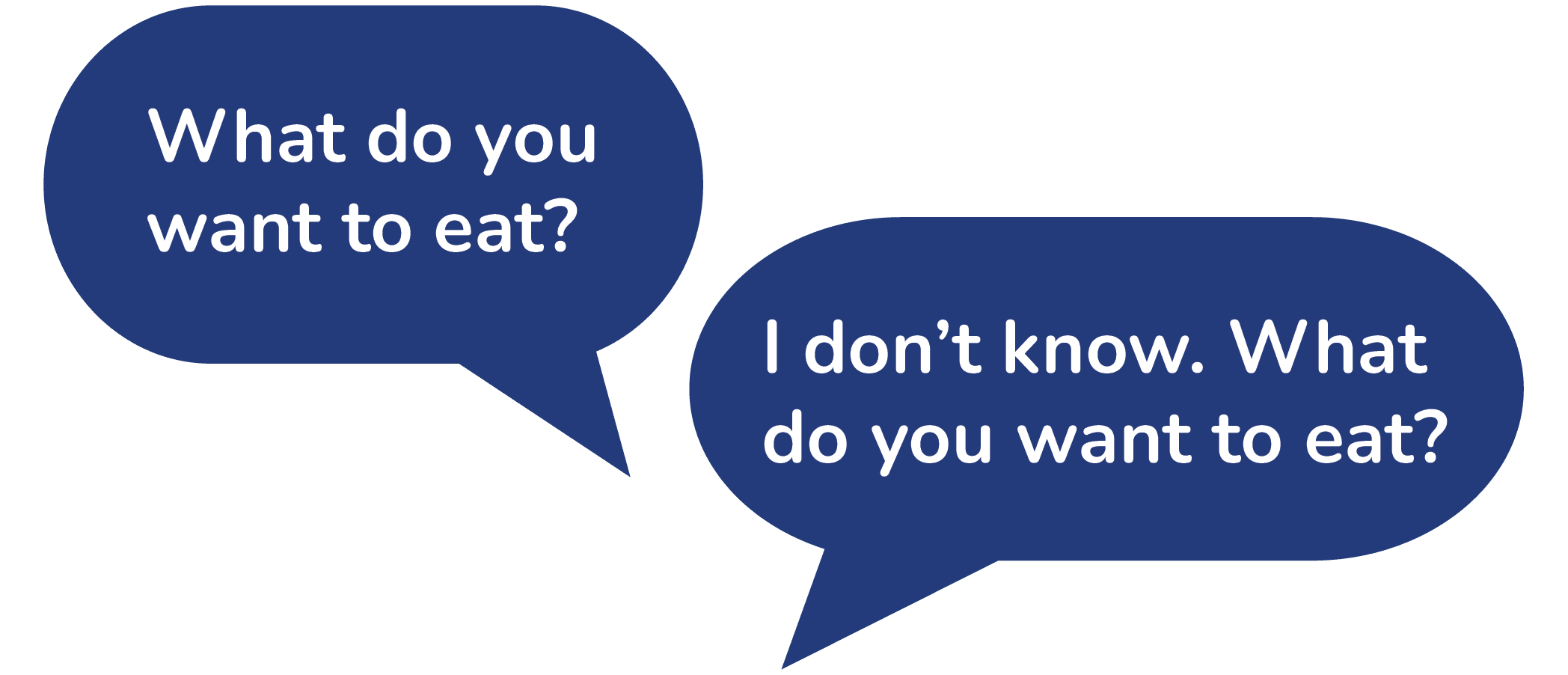
This isn’t just small talk — it’s a daily decision loop that wastes time and leads to mediocre outcomes.
The assumption:
People often don’t know what they’re in the mood for
Others default to indecision to accommodate the group
Existing tools assume you already know what you want because they are built around intent-based search (e.g., “Thai food,” “brunch,” “restaurants near me”)
General searches require guessing the right keywords
Reviews are subjective and often conflicting
Content is buried in long-form blogs or scattered across platforms
Great local spots are often invisible unless you know what to look for
The result: decision fatigue, wasted time, and unsatisfying choices.
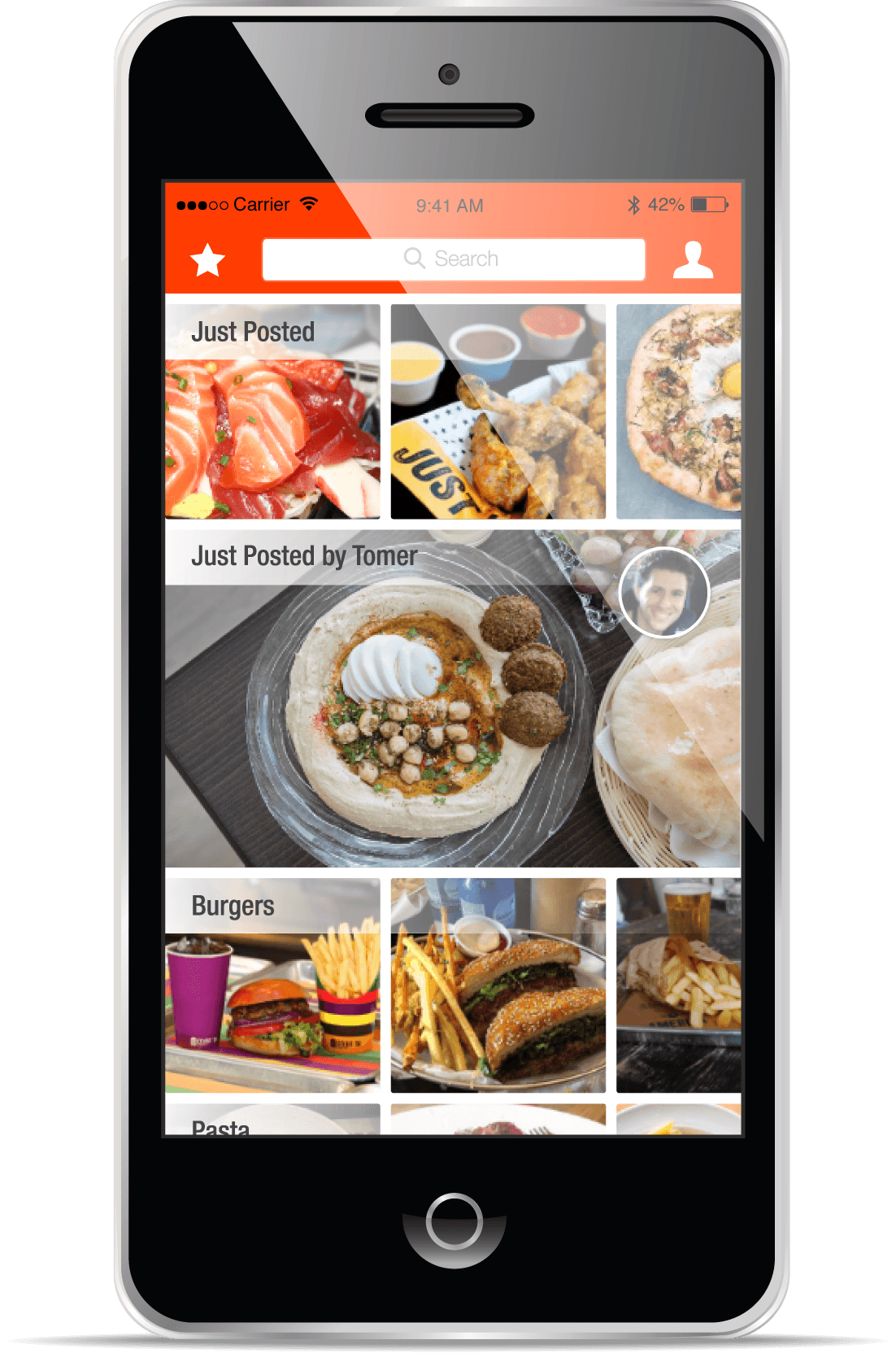
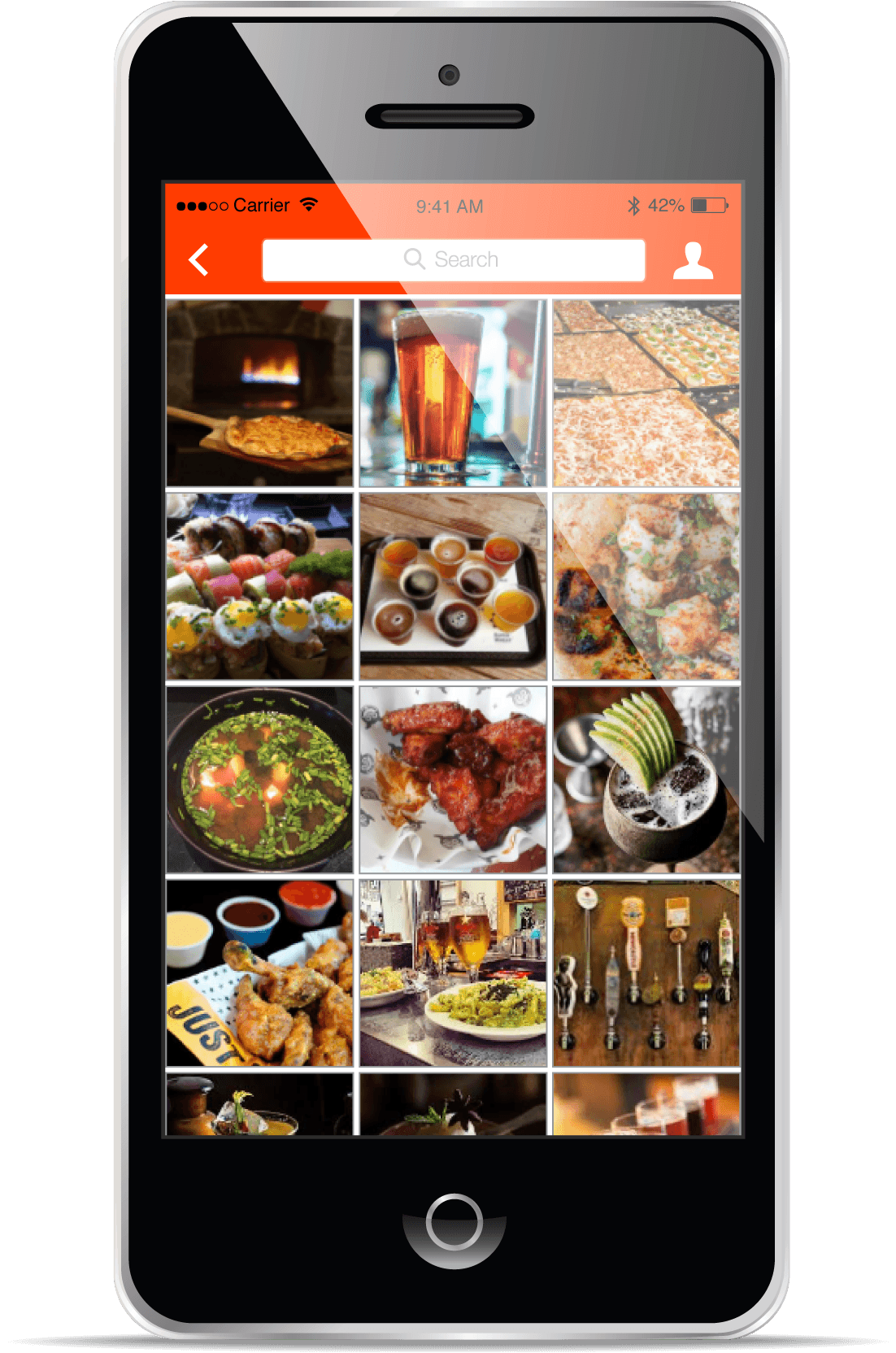
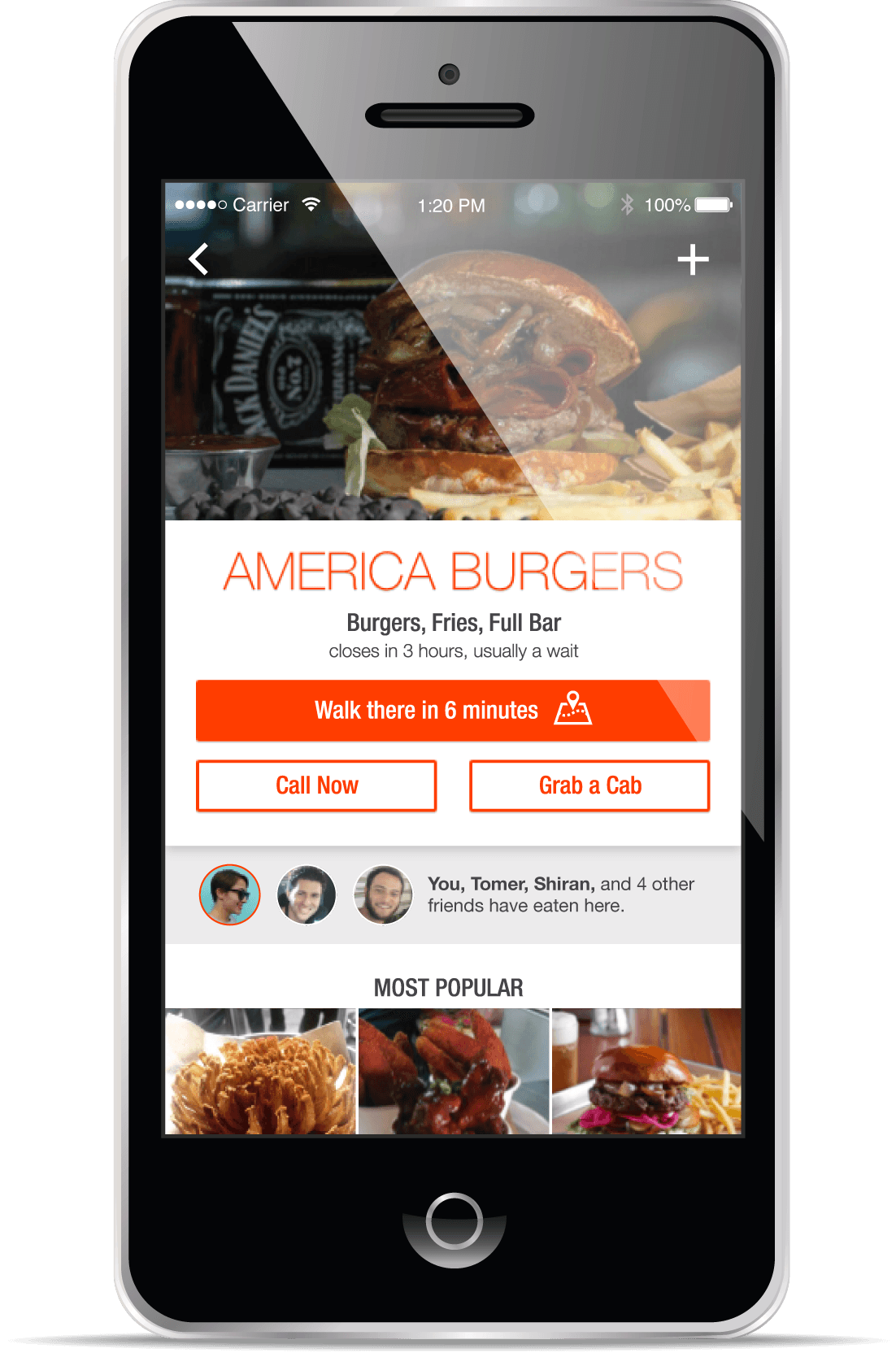
Original mock-ups
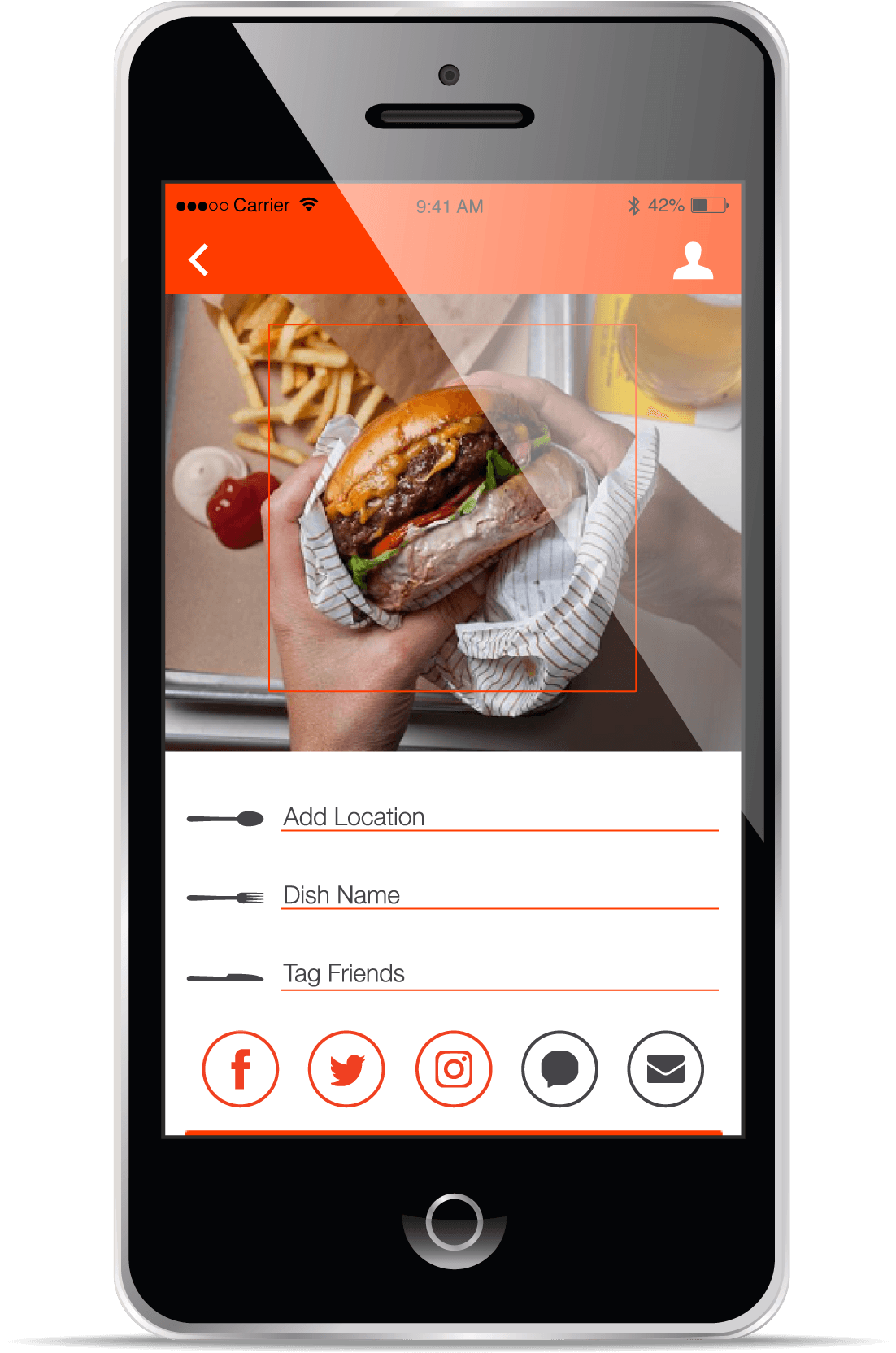
Key Features
Designing for Indecision
Instead of keyword-based searching, users would browse real, recent food near them and could make faster, more confident “gut” decisions without needing to know what they want upfront.
We focused on a tight MVP to validate the core behavior: fast, visual decision-making without search.
Real-time, user-generated food photos
The foundation of the experience — what are people actually eating right now. No reviews, no long descriptions, just immediate visual signal. Content is primarily user-generated, supplemented by scraped imagery from sources like social media, Google Maps, Yelp, and restaurant-provided photos, ensuring density and variety even in less active areas.
Recency-driven feed
A ranking model to prioritize recent, relevant content, ensuring users see what’s good right now, not what was popular months ago, while still allowing light filtering when needed.
Location-based discovery
Content is surfaced based on proximity, making results specific to where you actually are. Users can explore a specific area and seamlessly transition from browsing to action with one-tap directions via native maps.
“GrabbIt” swipe for the undecided
For users who don’t know what they want, a swipe-based flow removes the need to search entirely. Set a few quick preferences, then quickly pass or “GrabbIt” — turning indecision into momentum.
Lightweight content classification
Images are organized using metadata and simple categorization (e.g., burgers, sushi, drinks), making content browsable without requiring manual tagging or effort from users.
Claude Code
Before writing any code, I asked Claude what it needed from me to actually build something good. That answer outlined six elements and I structured my prompts around each.
Full product scope
Clearly defined MVP features, including how each functioned and how users would navigate between them, removing ambiguity upfront.Target user
Grounded decisions around tone, density, and interaction patterns.Aesthetic direction
Provided my original mockups as a starting point to avoid generic AI outputs, then iterated heavily to refine the look and feel.Key interactions
Prioritized the moments that mattered most (e.g., swipe decisions, browsing flow), ensuring the prototype focused on behavior — not just screens.Technical constraints
Specified the environment (e.g., React, state handling), which helped produce something closer to a real, working system.A creative north star
Defined the one thing the product needed to feel like so decisions stayed cohesive, even as we iterated.
The first result was surprisingly great. From there, it was a lot of back and forth — getting the right open-source images to match each restaurant, building out mock data so the app actually felt real. I also caught a few bugs along the way. One example: a layering issue in the map view meant the map was covering content it shouldn't. Knowing enough code to name the problem exactly made the fix fast. Having some coding knowledge from a bootcamp I did made a real difference. I could articulate exactly what needed to change, which made the fixes fast and precise.
The quality of what comes out is a direct reflection of the direction you put in. I treated Claude like a collaborator — came in prepared, iterated constantly, and caught the gaps it couldn't.